
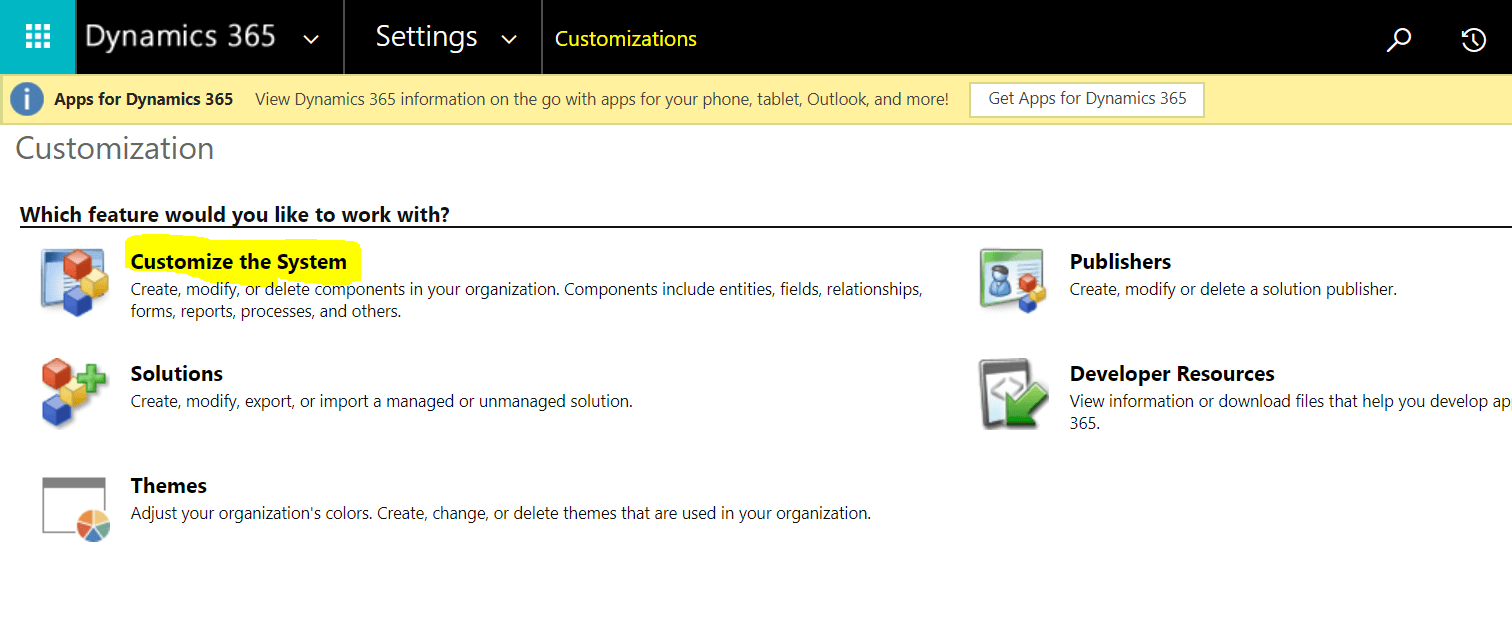
With the classic UI to lookup all the components for the environment you had to go via Settings -> Customizations-> Customize the System.
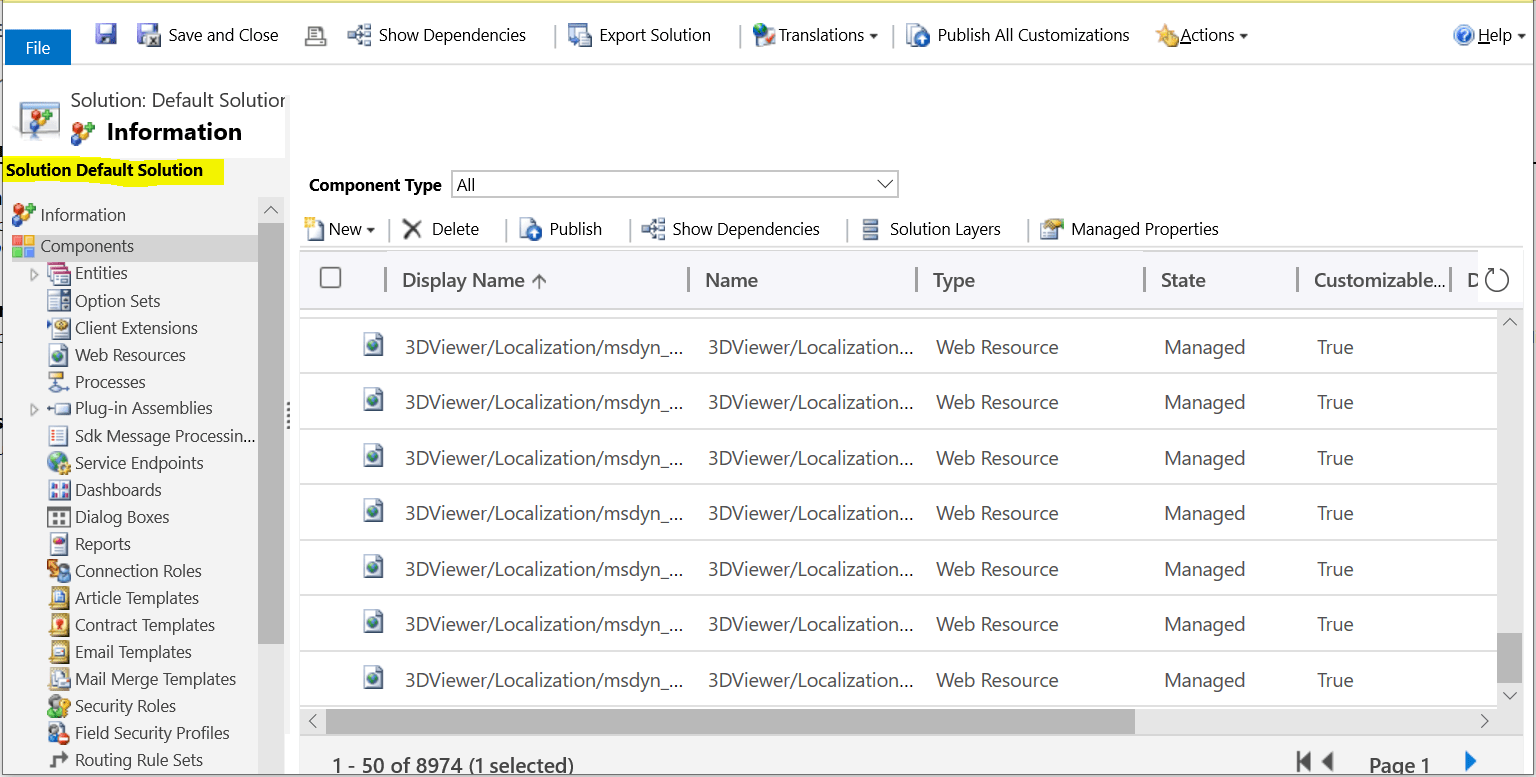
You could see all the components under the Default solution.
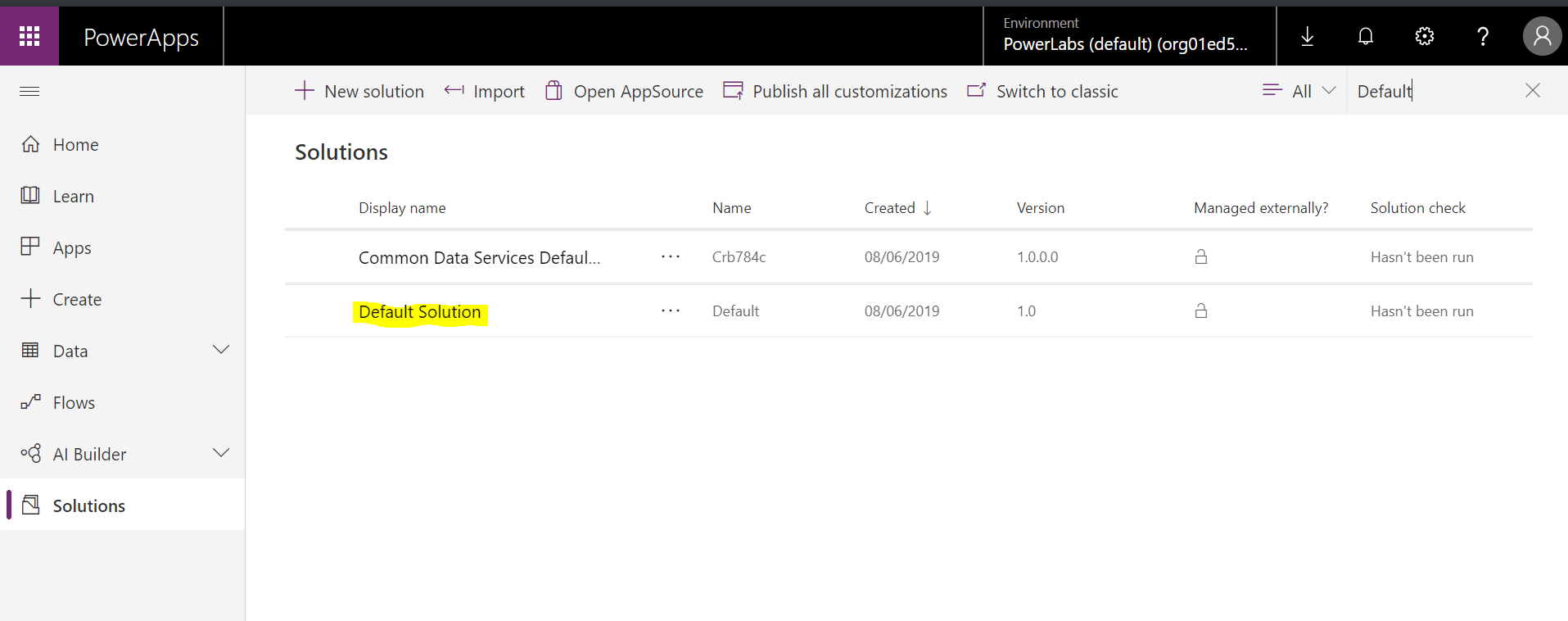
In a new designer:
- Navigate to https://web.powerapps.com, login using you Dynamics 365 credentials (you will need appropriate security access)
- Locate the Solution list.
- Type “Default” in the Search box on the right side.
- Yep, it’s here.

 Olena's Dynamics Blog (post-AI)
Leave a comment