How to implement payments for your CDS portal – step by step instruction.
Olena's Dynamics Blog (post-AI)
Writing as a human
-

-
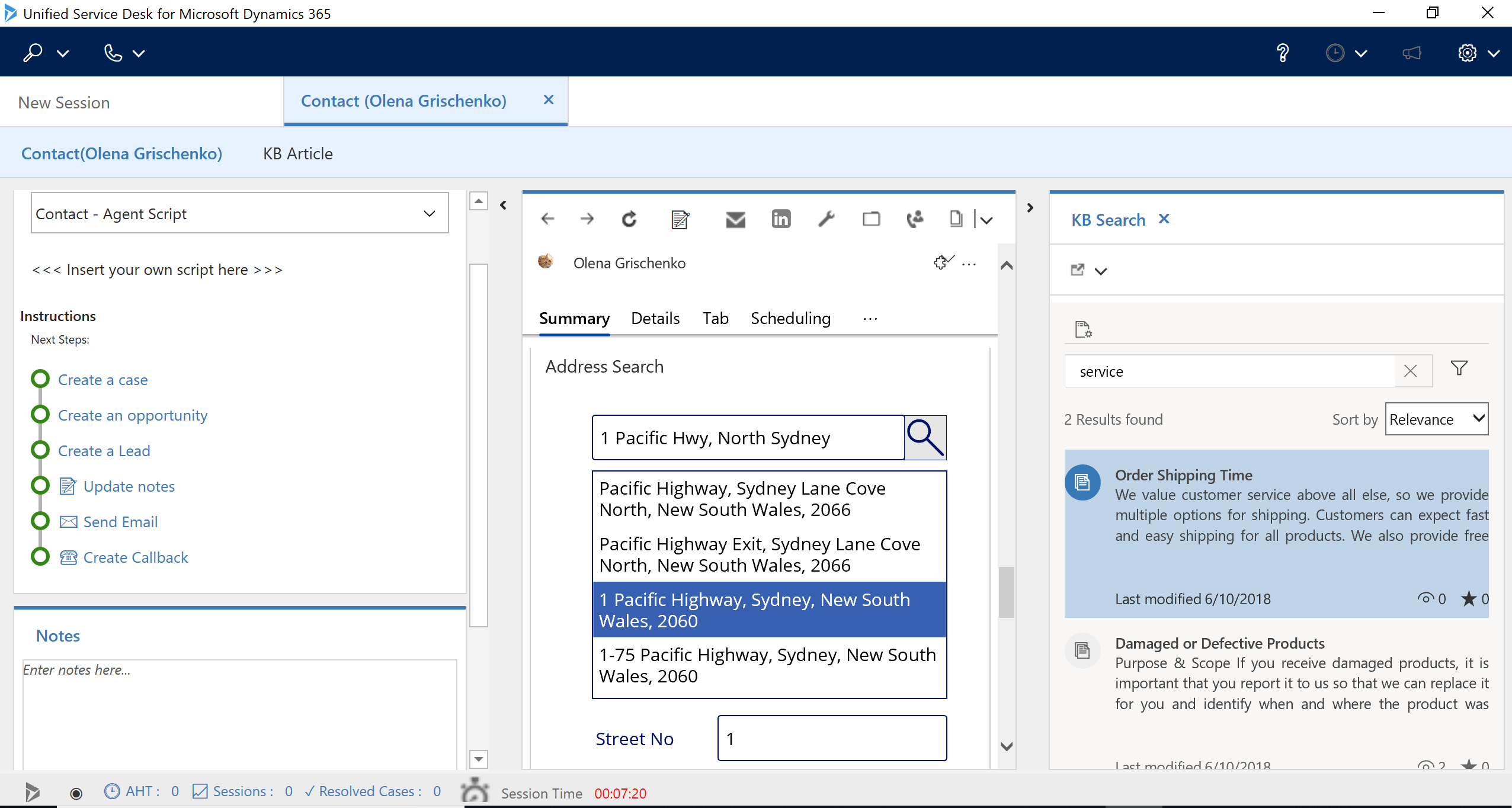
So glad those guys are working perfectly together 🙂 Let me translate it for you: embedded canvas apps for UUI work with USD accelerator and USD desktop app OOB.
The address validation embedded canvas app within USD accelerator (screenshot below).
If you want to learn more about USD accelerator, it’s here, in the Neil Parkhurst blog.
If you want to learn how to build the address validation canvas app, it’s here, in Ravi’s blog.
-
 Microsoft Dynamics 365 – Data Export Service
Pros:
- Ease of use and configuration.
- The Azure DB can be part of a different tenant. Only Azure key vault should be part of the same tenant as Dynamics 365 CRM.
- Best app to export data from Online Dynamics 365 CRM to Azure DB which can be used to build a Data Warehouse for reporting or data transformations.
- Dynamics 365 users can control the schedules from within their CRM. Even an a Admin dashboard is provided.
- API’s are available for automation.
Cons:
- Occasional issues with data synchronization which can be fixed.
- Only supports Azure SQL DB.
- Need Azure subscription, so additional resource cost.
Alternative Approach : Can use CDS for reporting or use Flow to push the data.
Supported Version : Online Dynamics 365 Only
 Attachment Management
This app can be used to push Email and Notes attachment to an Azure blob storage…
View original post 1,202 more words
-

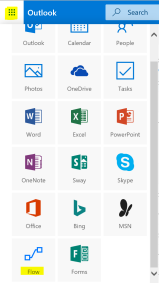
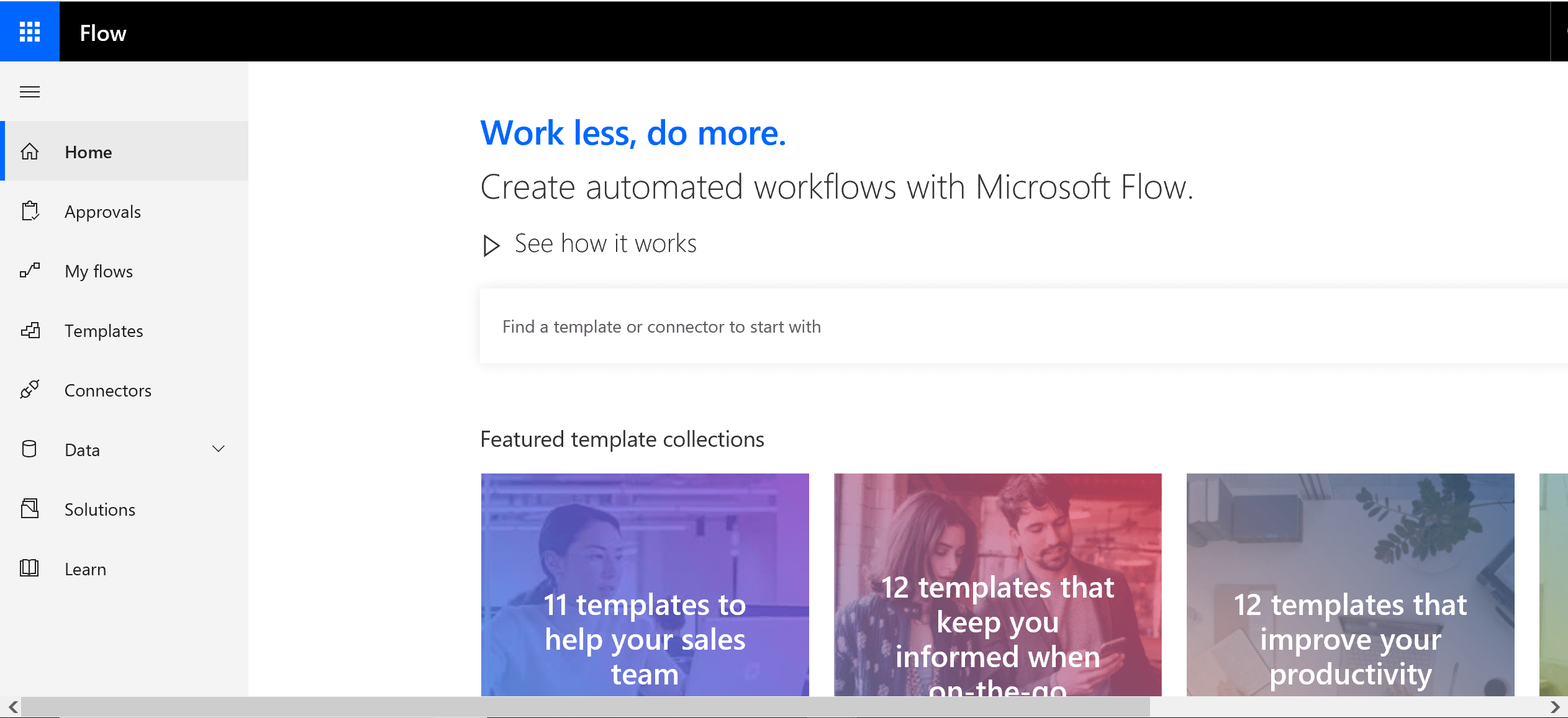
First, I am logging to my personal Microsoft account, not Office 365 account. Then clicking on the Flow icon on the left side floating panel to login to Flow. Yes, you can do it with your personal account. You can get Flow Free – 750 runs/month, 15-minute checks.
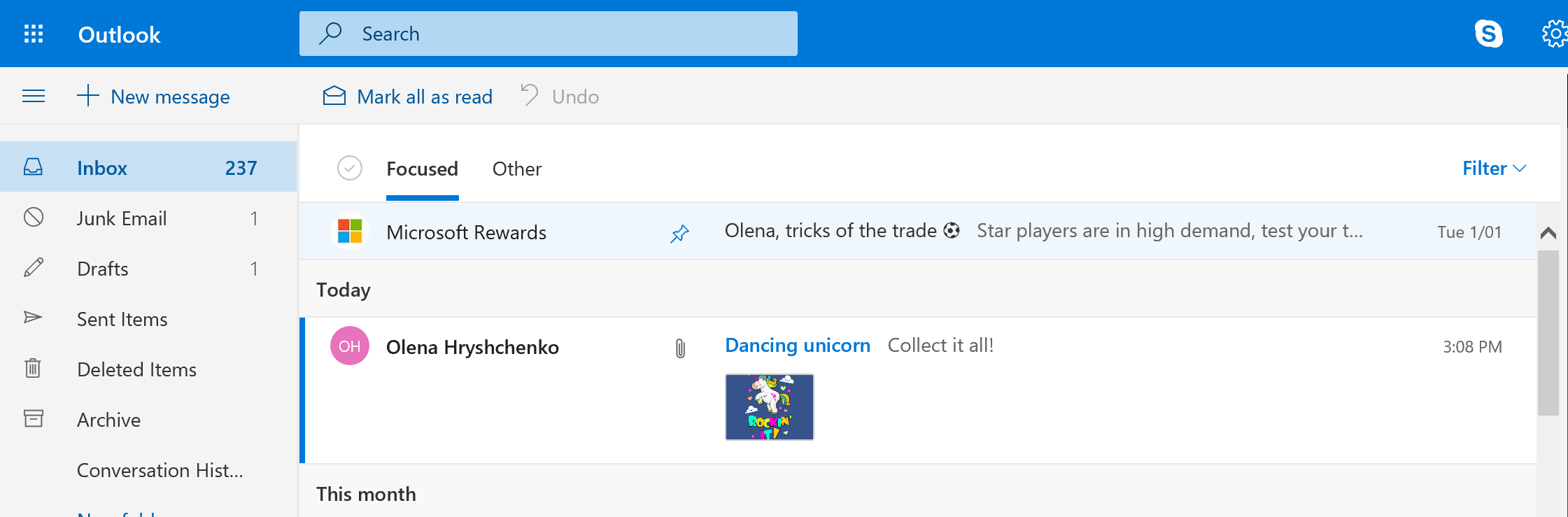
To test Flow with my personal emails I am building an automation to catch and process the unicorn emails.
There is one in my Inbox.
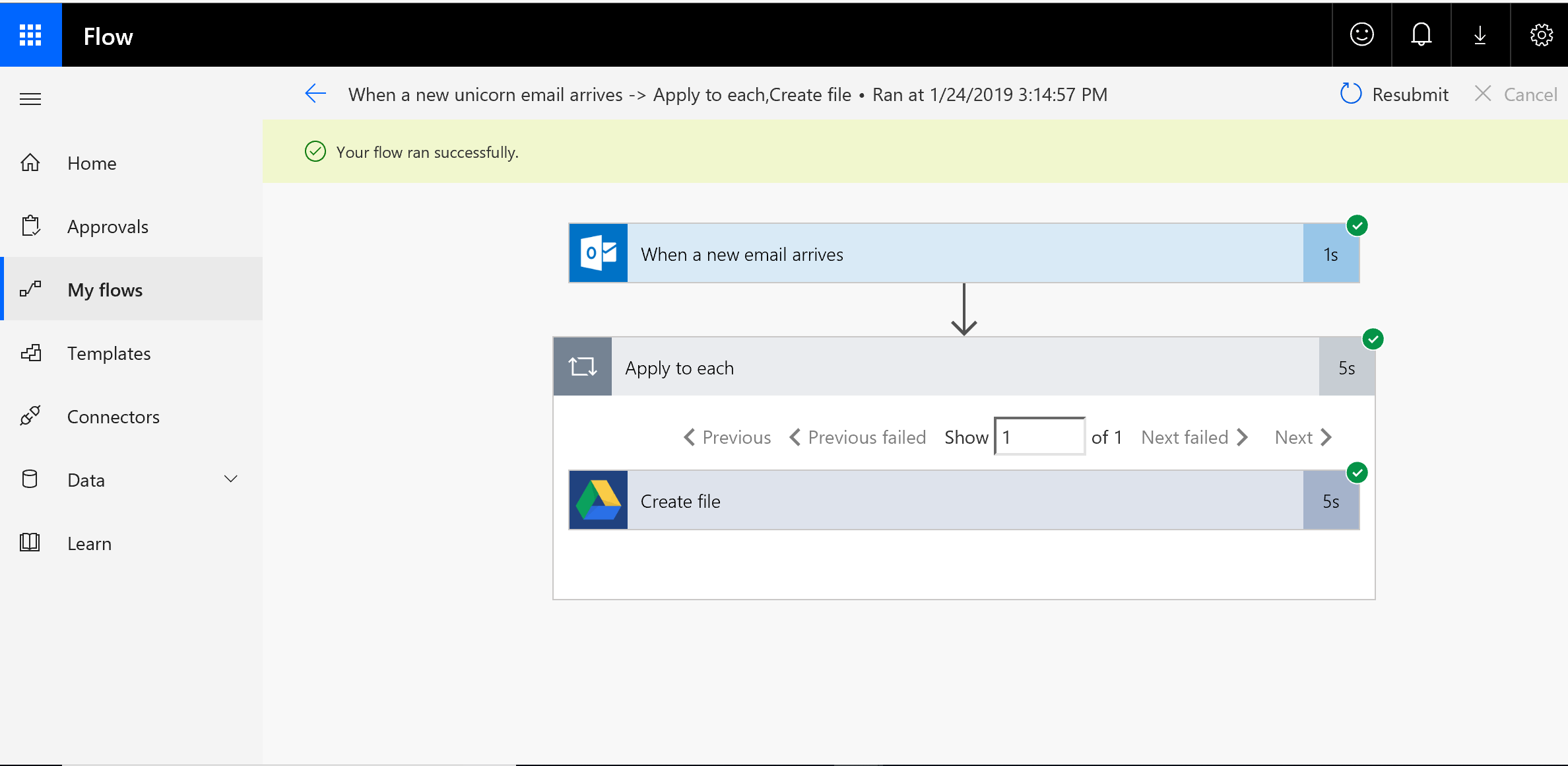
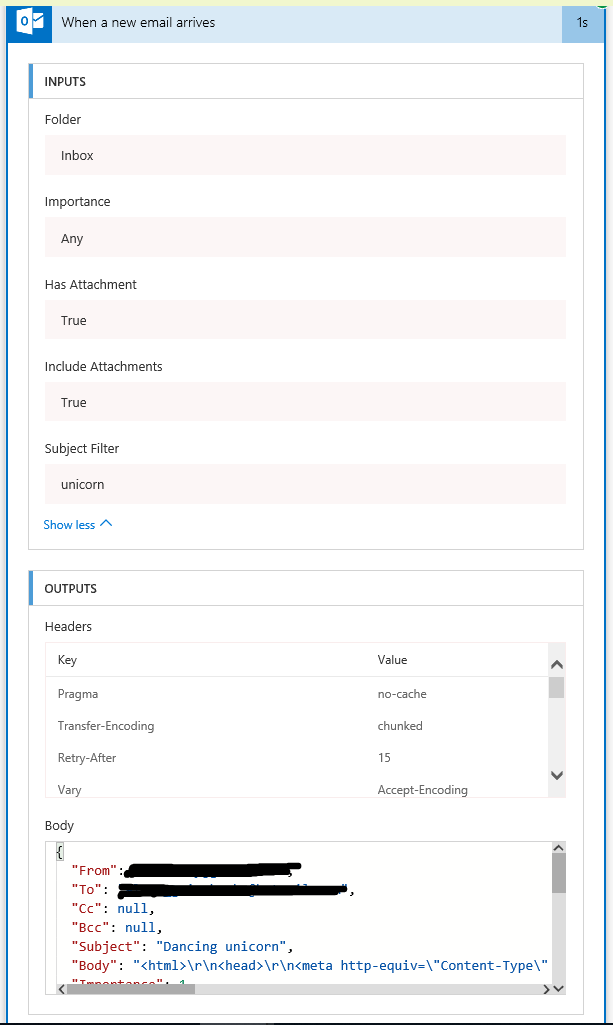
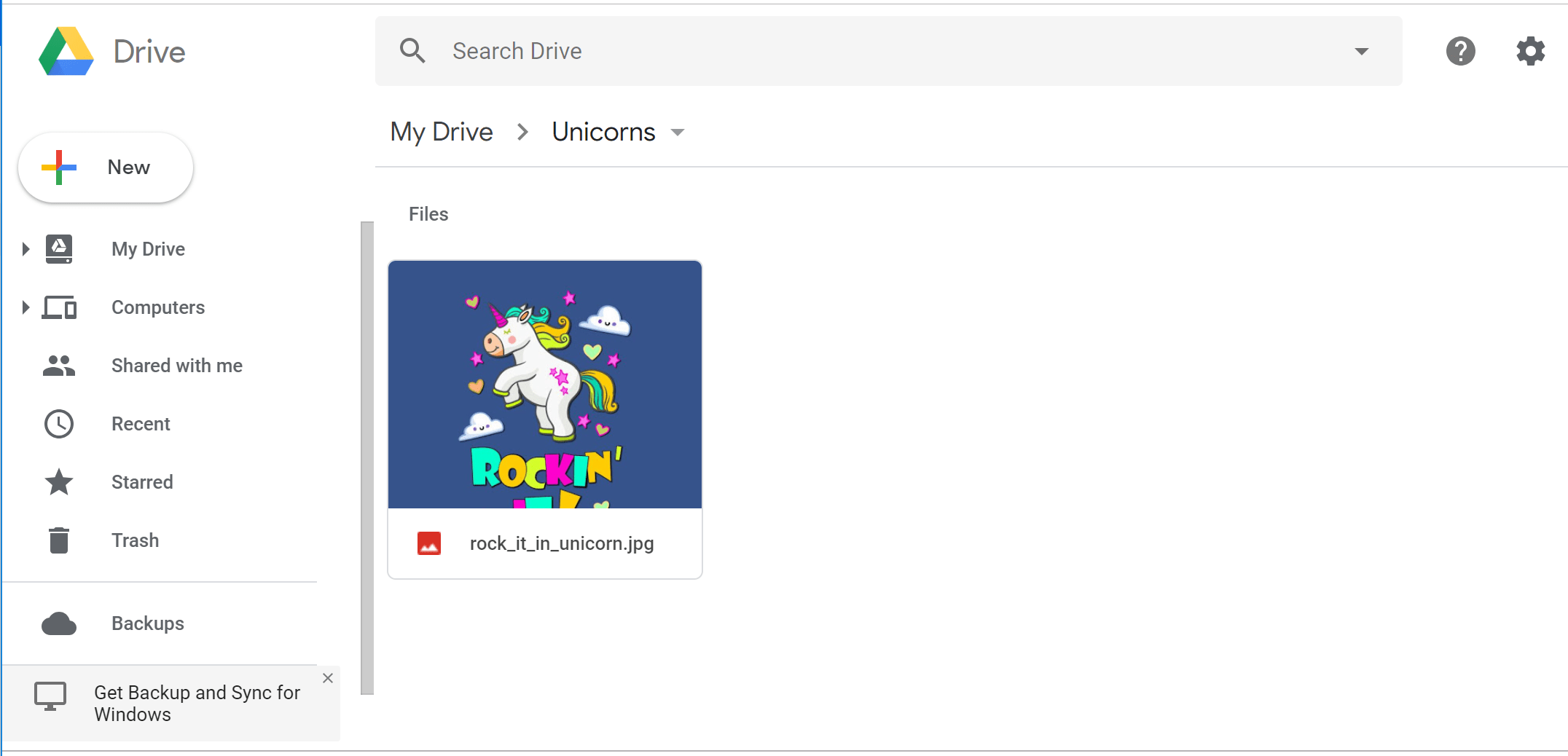
The scenario is simple: Flow triggers when a new email arrives. If it has “unicorn” word in the email Subject and attachments I save the attachments to my Google Drive into the Unicorn folder.
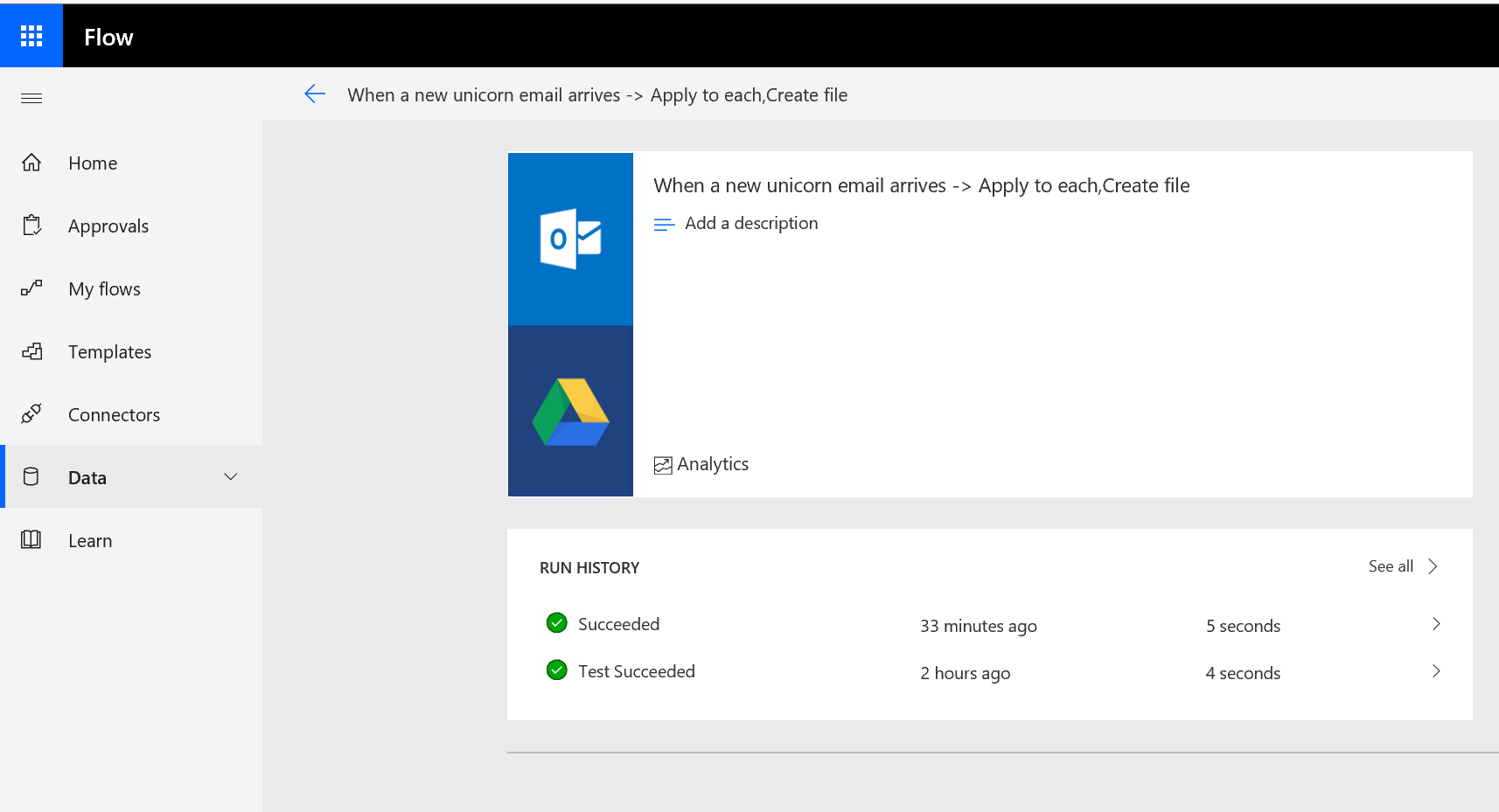
This is how it looks inside for the successful run.
The email matches the criteria to trigger Flow.
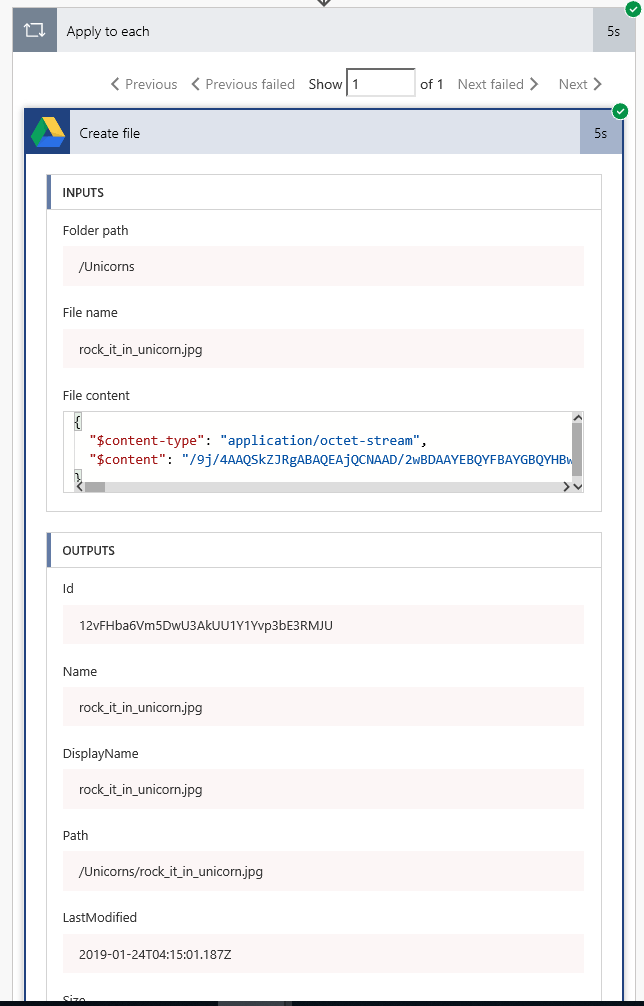
So for each email attachment it creates file on my Google Drive in the Unicorn folder.
It really does it 🙂


 Olena's Dynamics Blog (post-AI)