Olena's Dynamics Blog (post-AI)
Writing as a human
Category: Model-driven
-
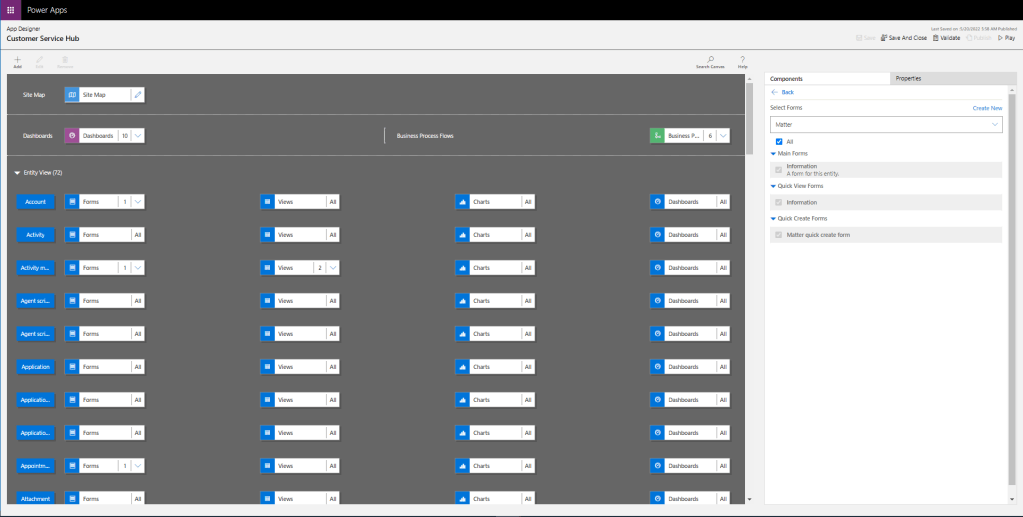
Changes to UI are always fun. From the user experience perspective, they are challenging and somehow scary. I love a new app designer! It’s easy to use, it’s smart, and very user-friendly. However, today I need a new designer to make sure I’ve got all forms required added to my app. In the old designer…
-

Go to: https://trials.dynamics.com/ Let’s create your Sales Pro trial in these easy steps (below). Scroll down to the highlighted option. Go to Admin center. Click on New. Select Trial (subscription-based) as a Type. You need to select a database and app in the same step. If you fail this multiselect turns into a dropdown as…
-
![❤ Dataflows for Power Apps ❤: “The column ‘[Column_name]’ of the table wasn’t found.” error while loading multiple tables](https://msolenacrm.blog/wp-content/uploads/2021/01/notsofast.png.png?w=1024)
There is an option to load data to multiple table in one go in Dataflows. These tables can be related. Dataflow engine calculates the dependencies and determines the correct order for loading. It’s a very cool functionality, however, you have to be aware of some potential issues as well as available workarounds. Problem: I am…
-
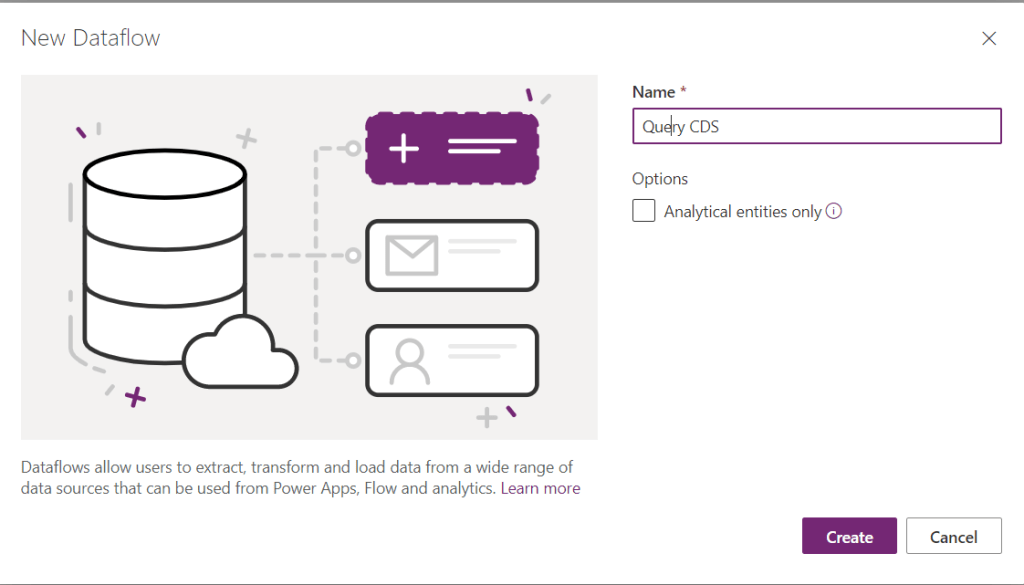
Recently I posted about the same issue: https://wordpress.com/post/msolenacrm.blog/1580 . Yesterday I discovered a new way. It looks like OData connector is more friendly than the Web API one. Use FetchXmlBuilder to help you to build the query. Start creating you Dataflow: For the data source on the tab Other pick up the OData connector. For…
-

When you clicked on the magic button which you found here how do you monitor the progress? In the Power Platform admin center go to Environments. In the list of environments click on the environment you are upgrading Field Service on: https://admin.powerplatform.microsoft.com/environments From Resources click on Dynamics 365 apps … Enjoy the progress!
 Olena's Dynamics Blog (post-AI)