Olena's Dynamics Blog (post-AI)
Writing as a human
Category: Flow
-

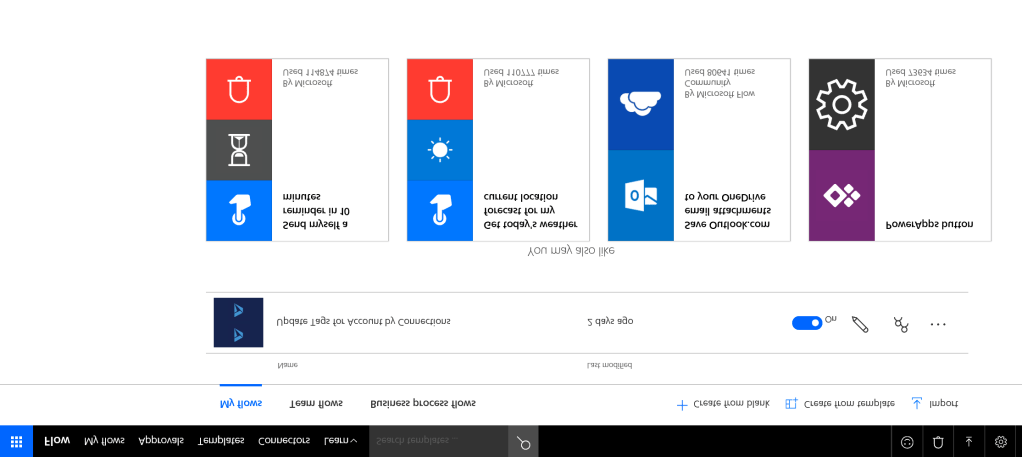
First, I am logging to my personal Microsoft account, not Office 365 account. Then clicking on the Flow icon on the left side floating panel to login to Flow. Yes, you can do it with your personal account. You can get Flow Free – 750 runs/month, 15-minute checks. To test Flow with my personal emails I…
-
Recently, I am trying to ignore workflows and move all the custom functional logic into Flows. This time I created a very simple Flow converting a text field value into a number and copying it to another field. I needed it for my chart. I run the Flow on a custom entity. An I forgot…
-
If (you know) you are going to repeat some steps of the Flow logic (actions, conditions etc) in multiple Flows for different triggers and entities, think about using a child Flow as a container for a reusable logic. Although you can always clone your Flow via Export-Import, making changes to a single module is much easier…
-

There are multiple ways to specify an entity type in PowerApps. Most of the time you would use something like an optionset field or reference to a list type via lookup. However, in those cases you need help from someone who’s got the power to customise the system for you or has the permissions to…
 Olena's Dynamics Blog (post-AI)