Olena's Dynamics Blog (post-AI)
Writing as a human
Author: Olena Grischenko (she/her)
-
This is one of my favorite ways for the web application custom validation. And it works for PowerApps as well. We will implement this type of the validation for the First Name and Last Name controls on the Edit form for PowerApp. The Requirements First Name field is a required field. Last Name field is…
-
Recently, I am trying to ignore workflows and move all the custom functional logic into Flows. This time I created a very simple Flow converting a text field value into a number and copying it to another field. I needed it for my chart. I run the Flow on a custom entity. An I forgot…
-
Customisation & Configuration No Add-Ons + Add-Ons Business Logic Complicity No Add-Ons + Add-Ons + Add-Ons + “No coding” coding Support Support Responsibilities *US – a Dev team for the continues development or a Customer/Support Team – for after GoLive Triage Responsibilities *US – a Dev team for the continues development or…
-
Nothing special…just PowerPack add-ons…on the unified interface…on my mobile. As a former product owner and a product development team lead I know how challenging a product development could be. Catching up with the latest Microsoft platform changes is a different story. The story you have to keep up with to survive in the Microsoft…
-
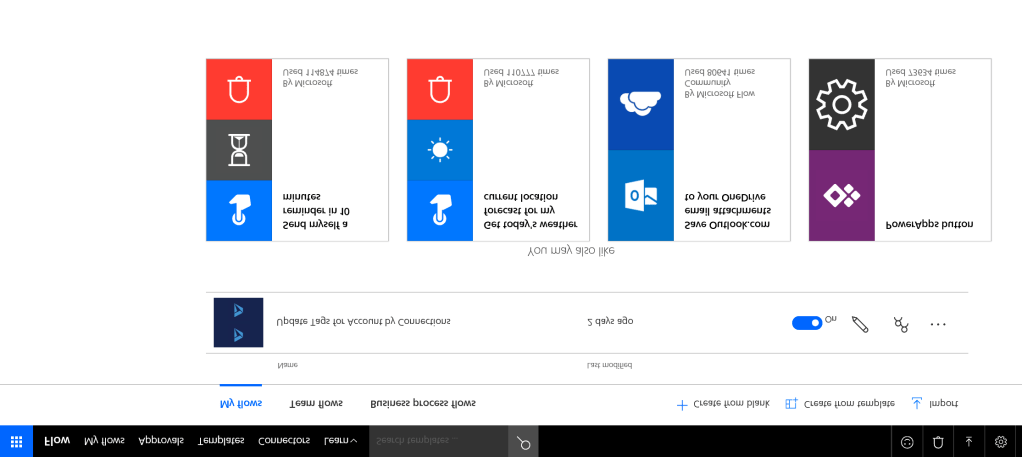
If (you know) you are going to repeat some steps of the Flow logic (actions, conditions etc) in multiple Flows for different triggers and entities, think about using a child Flow as a container for a reusable logic. Although you can always clone your Flow via Export-Import, making changes to a single module is much easier…
 Olena's Dynamics Blog (post-AI)