
It’s a very simple question indeed. If you think you can just go to the Admin portal and check… If you think you can find it in the portal Overview or settings …
It’s a very simple thing, indeed. So why it’s so not easy to find this information?!
As you probably know we are getting Web API available for the portals which enables lots of new possibilities and options for developers and new shiny features for customers.
If your portal is available for the early preview you can start playing with it now or soon.
https://docs.microsoft.com/en-us/powerapps/maker/portals/web-api-overview
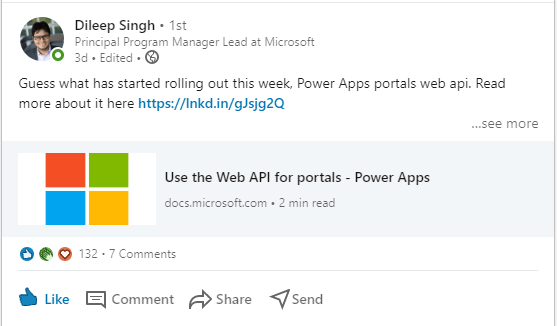
And this:
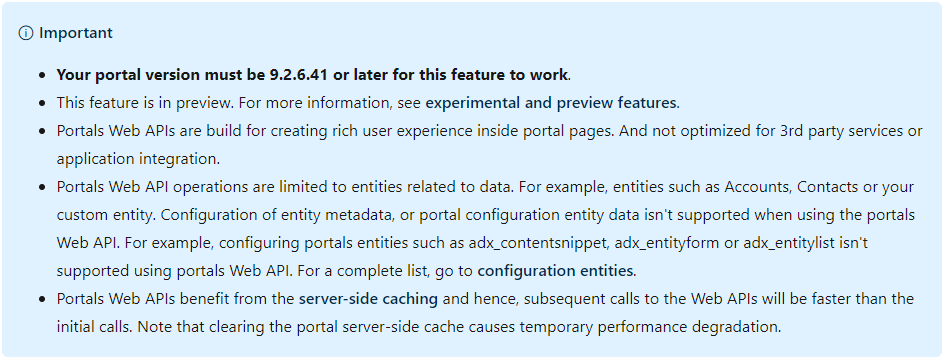
Naturally, I wanted to check my portal version. Naturally, when my brain is in the user mode I am finding lots of interesting things which don’t think much about as a developer.
So where do I check the portal version???
Thank you, Adrian Nguyen for being awesome human being and saving my melting mind again.
The easiest way, you don’t need to be logged in or have a portal web role. Apparently.
- Going to your portal service page: https://<your_portal>.powerappsportals.com/_services/about

Now I have to ask my customer to enable the early upgrade.
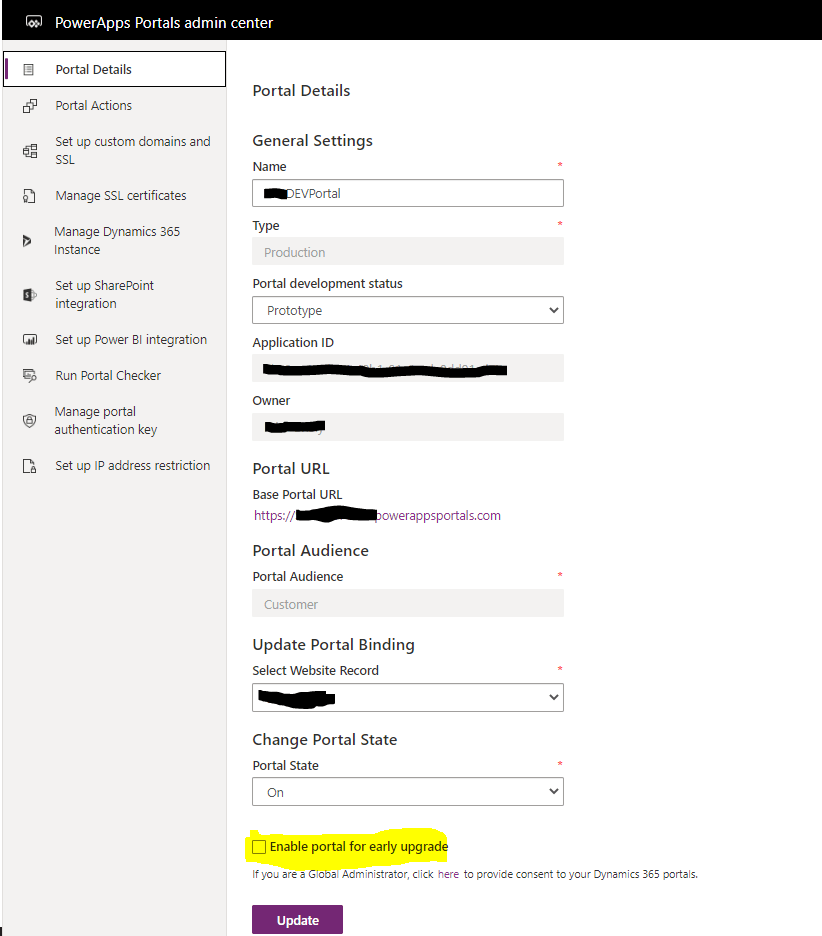
Please share your alternative ways to detect the portal version in the comments.
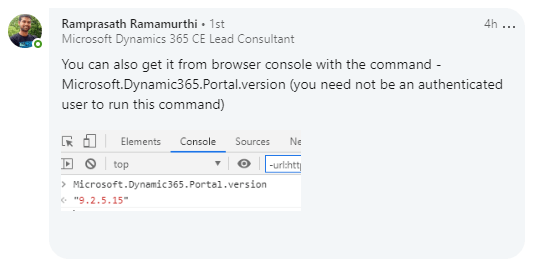
Another option is from Ramprasath Ramamurthi



 Olena's Dynamics Blog (post-AI)
Leave a reply to Power Apps Portals: where do I find my portal current version?! – 365 Community Cancel reply