Olena's Dynamics Blog (post-AI)
Writing as a human
Category: Business Applications
-

To answer the question Why? I say we run into some limitations with SharePoint integration. And now we are trying to explore other options. Let’s get started! Enable Azure Storage This is a great blog post here: Want to leverage Azure storage for your documents in PowerApps/ Dynamics 365 portals instead of Notes? Check this…
-

To be honest, this post should be a bit longer with more details but I like it this way. This is a sample below. It looks cool. And I building one of my own. But I need it to work with my onSave form validation. I am making two Web API calls to query data…
-

Go to: https://trials.dynamics.com/ Let’s create your Sales Pro trial in these easy steps (below). Scroll down to the highlighted option. Go to Admin center. Click on New. Select Trial (subscription-based) as a Type. You need to select a database and app in the same step. If you fail this multiselect turns into a dropdown as…
-
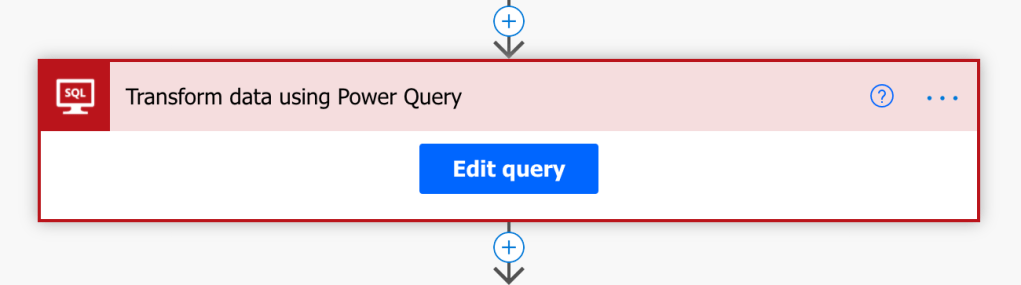
Originally posted on CloudMinded: “We are screwed!” me at the moment of technology induced panic That was the feeling when I saw the below error messages. The client’s setup is an on-prem SQL server exposed to the cloud via an on-prem Gateway. It works perfectly fine for exiting Dataflow integration, but this time we needed…
-
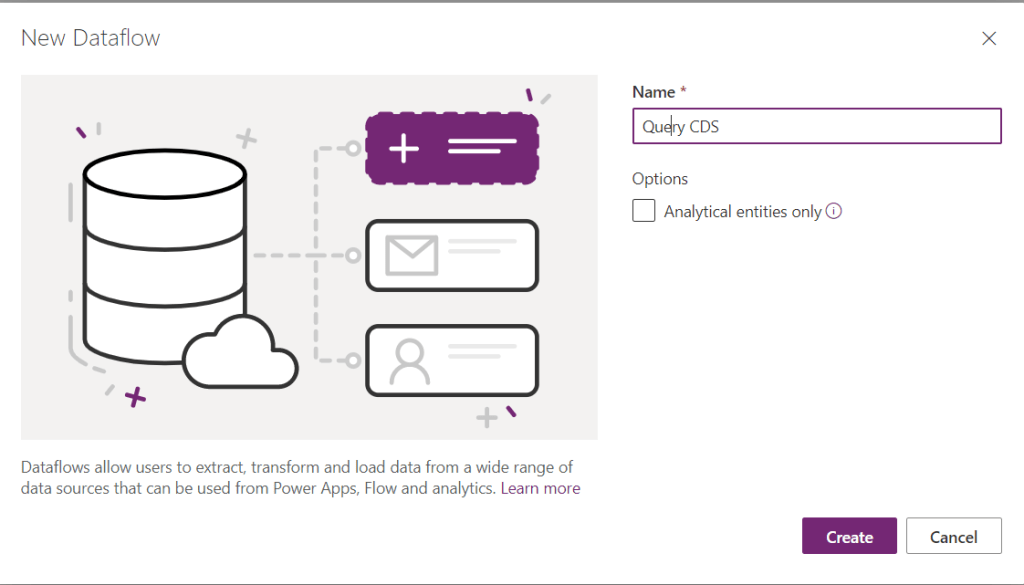
Recently I posted about the same issue: https://wordpress.com/post/msolenacrm.blog/1580 . Yesterday I discovered a new way. It looks like OData connector is more friendly than the Web API one. Use FetchXmlBuilder to help you to build the query. Start creating you Dataflow: For the data source on the tab Other pick up the OData connector. For…
 Olena's Dynamics Blog (post-AI)