
The issue: unable to Sign Out from Dynamics 365 portal.
Symptoms: logged in portal user remains signed in even after signing out from the portal.
This is, actually, a very convenient “feature”, if you always work with a portal from your personal computer (like I do). However, if you share the same desktop with your colleagues, you may want log out from the portal, once you’ve finished your session. Unfortunately, it wasn’t an option till the last week.
We were happy to receive the following email from Microsoft:
Hi Olena,
Good day.
As confirmed by PG, we need t configure below value in Portal -> Set Settings for external logout.
Set “Authentication/OpenIdConnect/AzureAD/ExternalLogoutEnabled” = true
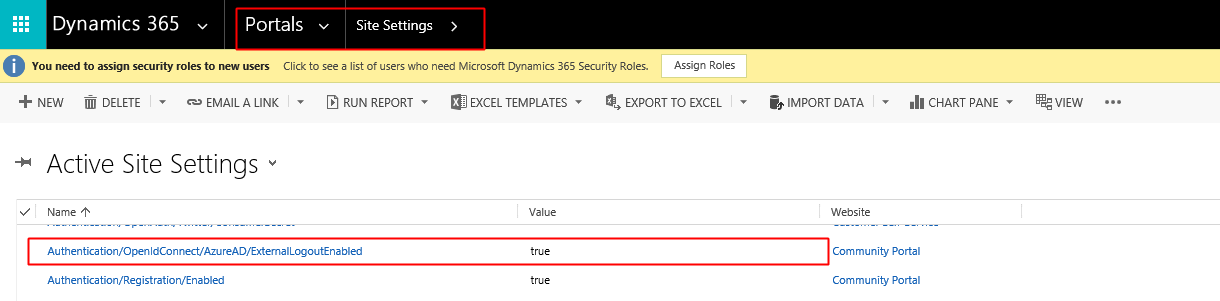
I have tried on my testing environment, it works. Please feel free to apply this solution on your end. If you have any question, feel free to let me know.
Thanks,
I went to test this on our portal. It seems to be working now.


 Olena's Dynamics Blog (post-AI)
Leave a reply to Debajit Cancel reply